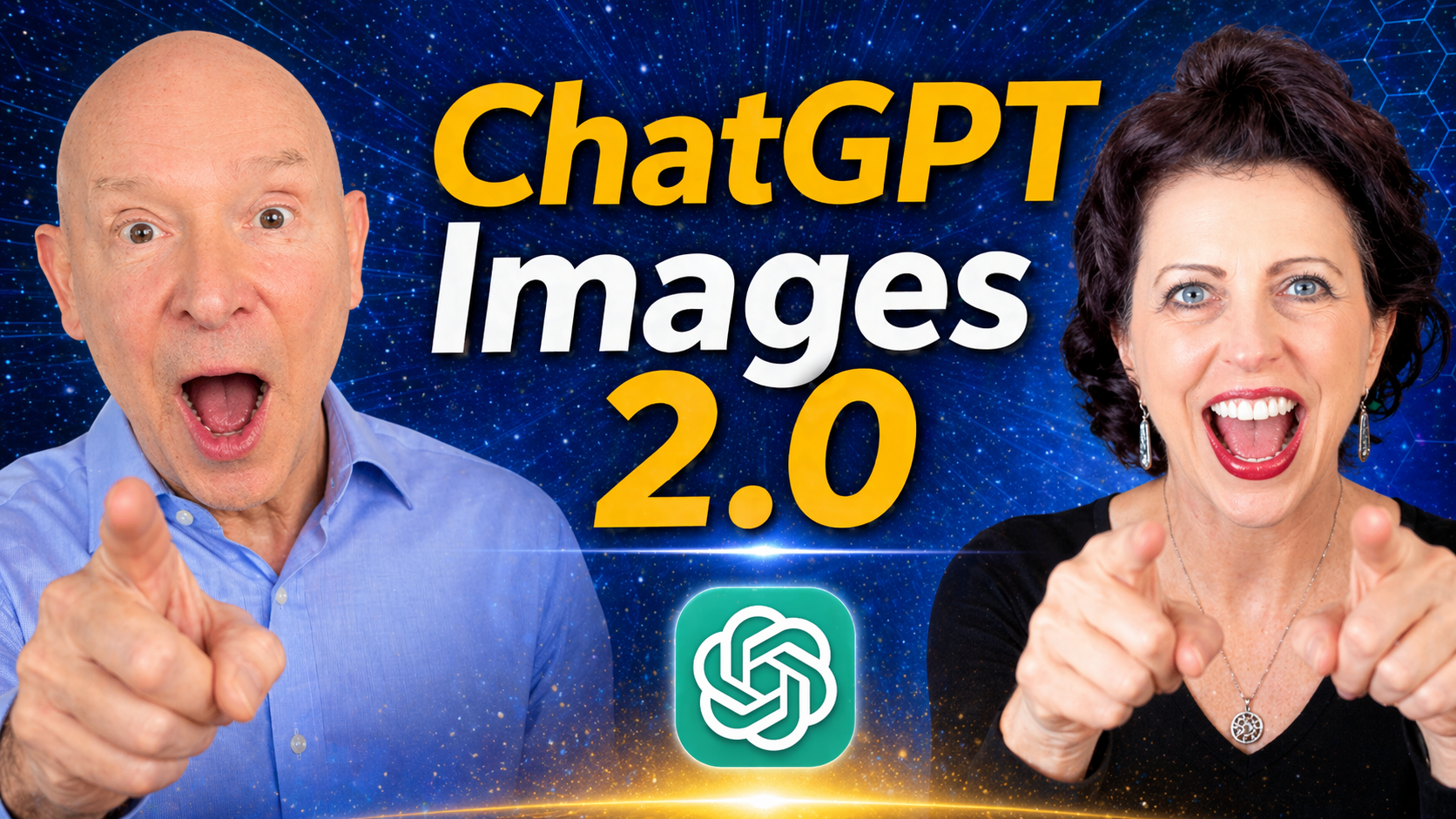
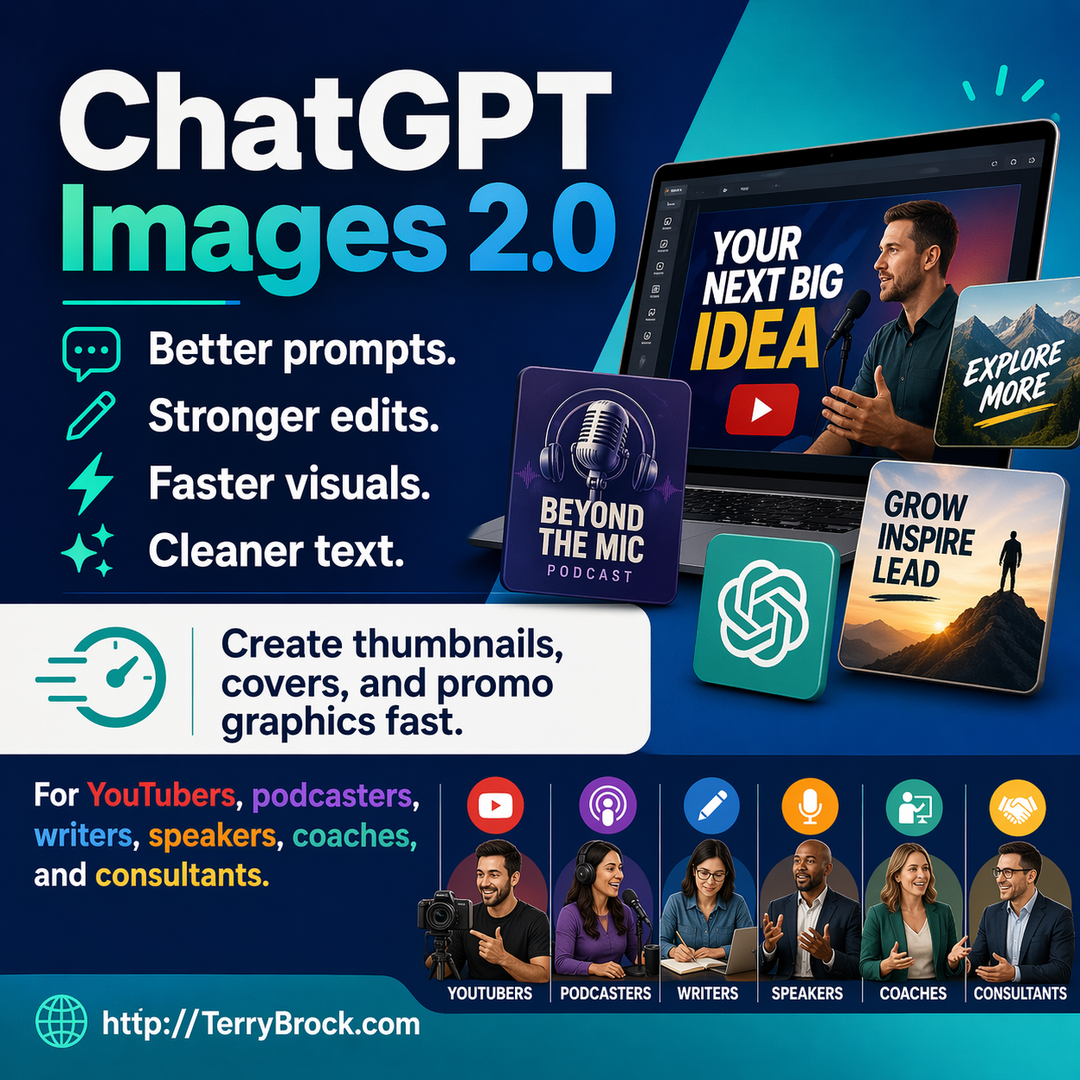
ChatGPT Images 2.0 is opening up powerful new ways for content creators, entrepreneurs, and business owners to create better visuals faster.
In this episode, Terry Brock and Gina Carr demonstrate how to enhance photos, fix backward text, create fantasy newspapers and magazine covers, and combine ChatGPT Images with Canva Magic Layers for more polished results.
Catch this must-see video on ChatGPT Images 2.0
https://youtu.be/fArqrTPvPdg
Recommended AI tools for business growth.
http://AItools4biz.com
Listen to this & other episodes on our podcast
https://bit.ly/sre_podcast
Chapters
0:00 ChatGPT Images 2.0 Changes Everything – See why this new image tool matters for creators and business owners
0:29 Gina’s First Impressions – Discover what creators can now build with less design friction
0:58 Powerful New Image Features – Learn what makes ChatGPT Images 2.0 useful for real creative work
1:18 Photo Enhancement Example – See how an ordinary photo becomes more polished and professional
2:39 Fixing Backward Text – Watch ChatGPT correct mirrored words inside an image
3:47 What Has Improved – Better prompts, stronger editing, faster iteration, and improved text handling
4:52 Finding Image Creation Options – Explore built-in creative templates inside ChatGPT
5:46 Fantasy Newspaper Example – See how a simple prompt becomes a customized visual story
7:51 Magazine Cover Creation – Learn how Gina created a “Live and Let Live” magazine cover
8:51 Automatic Visual Improvements – Notice how ChatGPT adjusted smiles, spacing, and photo composition
9:38 When ChatGPT Does Not Quite Get It Right – Learn what to do when image edits need extra help
10:38 Canva Magic Layers Backup Plan – See how Canva helps fix text and layout issues
11:51 Activating Magic Layers – Follow the step-by-step process for editing design elements
13:38 ChatGPT Plus Canva Workflow – Discover the one-two punch for better business visuals
13:59 Final Takeaways – Share how you are using AI images for thumbnails, marketing, and content
ChatGPT Images 2.0 for Content Creators
This episode shows how ChatGPT Images 2.0 can help content creators, speakers, coaches, consultants,
YouTubers, and entrepreneurs create visual assets more quickly.
Instead of starting from scratch in complicated design software, you can describe what you want, upload an existing image, and ask ChatGPT to enhance, adjust, or reimagine it.
Better Photo Enhancement
Terry demonstrates how a regular photo can be improved using ChatGPT Images.
The tool can enhance the overall look, improve composition, and make the image feel more polished for use in business content, social media, presentations, or thumbnails.
Fixing Visual Problems with Prompts
One standout example is correcting backward or mirrored text inside an image.
This is the kind of edit that used to require more advanced design skills, but ChatGPT can now handle some of these image fixes with simple natural-language instructions.
Creative Templates and Visual Ideas
Gina shows how ChatGPT’s image creation options can generate creative concepts such as fantasy newspapers, tarot-card-style visuals, filmstrips, interior design ideas, enhanced photos, and more.
These templates can give creators a faster starting point when they need fresh visual ideas.
Creating Custom Magazine Covers
Gina also demonstrates how she used a photo and a simple theme — “Live and Let Live” — to create a customized magazine cover.
ChatGPT added headlines, article concepts, and visual structure, showing how creators can quickly turn a concept into a polished visual draft.
When AI Still Needs Human Direction
The episode also shows an important reality: AI image tools are powerful, but they do not always get every detail right. When ChatGPT struggled to make specific text changes on the magazine cover, Gina moved the project into Canva to finish the job.
That is the smart workflow: use AI for speed and creativity, then use design tools for precision.
Canva Magic Layers as a Finishing Tool
Gina walks through how Canva Magic Layers can separate parts of a flattened design so you can edit text and visual elements more easily.
This gives content creators a practical backup plan when an AI-generated image needs final polishing.This can be mighty handy!
Practical Business Uses
ChatGPT Images 2.0 can be used for YouTube thumbnails, social media graphics,
LinkedIn posts, presentation visuals, promotional images, fantasy covers, content repurposing, and visual storytelling.
For Creative Conductors, this means less time wrestling with tools and more time turning ideas into assets that support your business.
What Do You Think?
How are you using ChatGPT Images 2.0 in your business, content, YouTube thumbnails, social media, or presentations? Leave a comment and let us know what you are creating — and what you would like us to demonstrate next.
#ChatGPTImages #StarkRavingEntrepreneurs #TerryBrock #GinaCarr #AIContentCreation